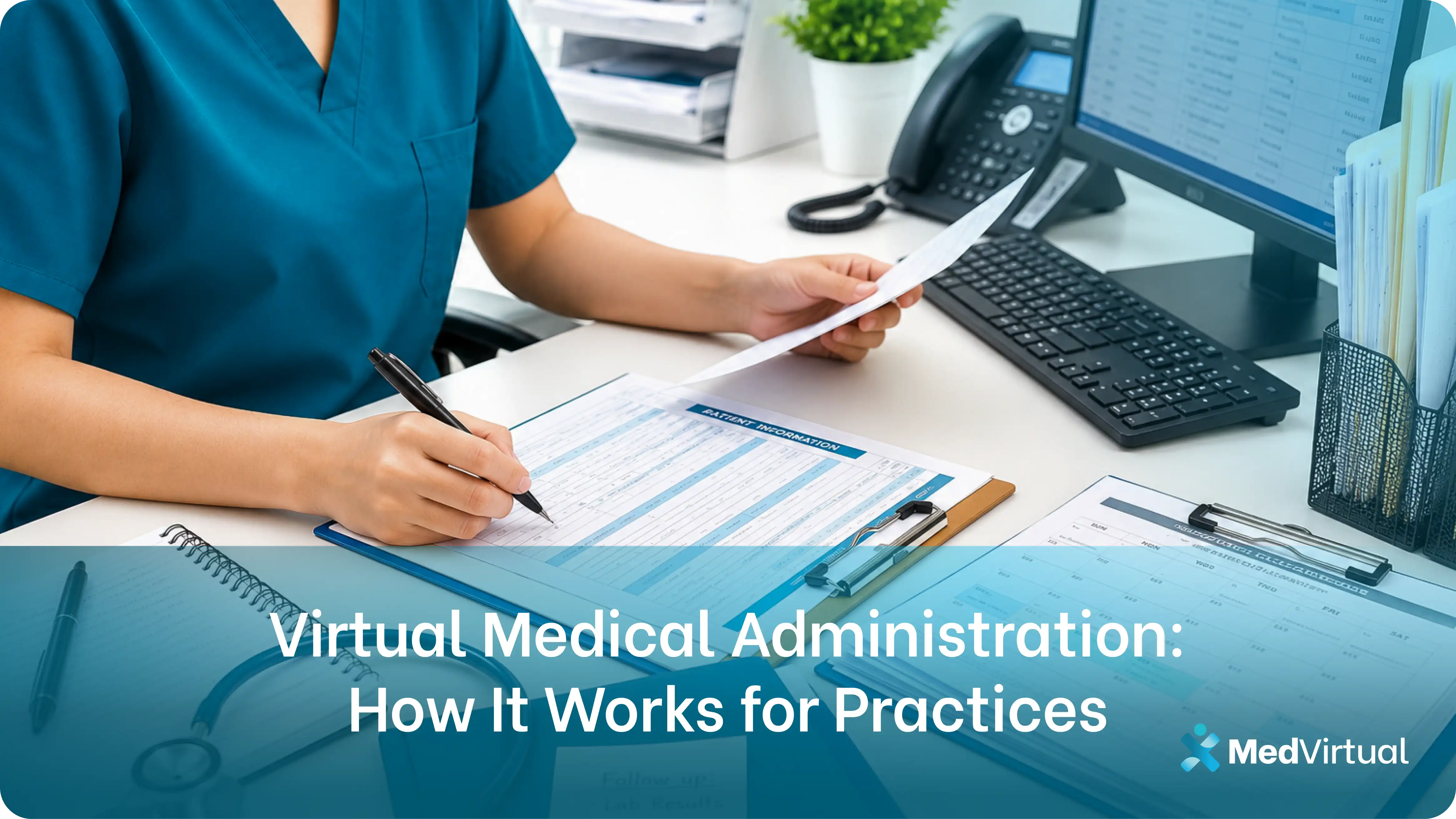
Virtual Medical Administration: How It Works for Practices
Most practices understand what a virtual medical administrative assistant does. Fewer understand how virtual medical administration actually works inside a medical office once one is placed. That distinction matters before a practice owner makes a staffing decision.
This article breaks down how virtual medical administration works in practice, which administrative functions transfer cleanly to a remote model, how the integration happens, and what to expect in the first weeks of working with a remote admin.
Key Takeaways
- Virtual medical administration works the same way in-house admin does in terms of function. The difference is the delivery model: the assistant works remotely inside your existing EMR, scheduling platform, and communication tools rather than from a desk in your office.
- The transition requires confirming platform access, setting up a HIPAA-compliant communication channel, and aligning on workflows before day one. Most practices are operational within 3 to 5 days.
- The administrative functions that transfer most cleanly to a remote model are scheduling, insurance verification, billing support, patient communication, and prior authorization intake. Clinical functions that require physical presence stay in-house.
- Practices that have tried virtual medical administration and found it did not work usually had a setup problem, not a model problem. Platform access issues, unclear workflow handoff, and mismatched expectations at the start are the most common reasons the model underperforms.
What Virtual Medical Administration Actually Is
Virtual medical administration is the delivery of medical office administrative functions by a trained, remote professional working inside a practice's existing systems.
The remote model does not change what the admin function does. Scheduling still happens in your scheduling platform. Insurance verification still runs through your payer portals. Patient calls still get answered and routed according to your protocols. What changes is where the person performing these functions sits.
A virtual medical administrative assistant works from a remote location with secure, role-based access to your EMR, scheduling platform, and communication tools. They operate on your hours, follow your workflows, and function as a full-time member of your administrative team without occupying a physical desk in your office.
For practices already using cloud-based EMRs and digital communication tools, the operational change is smaller than most expect. The systems are already remote. The assistant simply becomes remote too.
How Virtual Medical Administration Works Day to Day
Understanding the day-to-day workflow is the clearest way to evaluate whether the model fits your practice.
Before the day starts
The virtual medical administrative assistant logs into your scheduling system and reviews the day's appointments. Charts are pulled, insurance eligibility is checked for the day's patients, and any outstanding prior authorization items are flagged. The clinical team starts the day with a prepared schedule.
During the day
Inbound calls are answered according to your routing protocols. New appointments are booked directly in your scheduling platform. Patient questions are handled or routed to the correct staff member. Insurance issues flagged in pre-verification are resolved before patients arrive. Referral requests are processed and documented.
Between appointments
EMR charts are updated, demographic information is maintained, and call interactions are logged. Billing data entry, denial follow-up, and claim status checks happen in the gaps between patient-facing tasks.
At the end of the day
Outstanding tasks are wrapped up, the next day's schedule is reviewed for any flagged items, and the handoff is documented so the clinical team has visibility into anything requiring follow-up before the next morning.
The workflow mirrors exactly what an in-house admin hire would run. The difference is that every action happens through a secure remote connection rather than from a workstation down the hallway.
Which Administrative Functions Work Best in a Remote Model
Not every administrative function transfers equally well to a remote model. Understanding the distinction helps set realistic expectations before placement.
Functions that transfer cleanly:
Appointment scheduling and calendar management. Entirely digital in most practices. Booking, confirming, rescheduling, and canceling appointments happens in your scheduling platform, which is already accessible remotely.
Insurance verification and eligibility checks. Payer portals are web-based. Eligibility checks, prior authorization submissions, and denial follow-up all happen through platforms that are equally accessible from a remote location.
Patient communication and call handling. Inbound call routing, outbound patient outreach, appointment reminder calls, and portal message management are voice and digital functions that require no physical presence.
Billing support and data entry. Charge capture, claim data entry, payment posting, and aging report review are data-entry and platform functions that transfer without friction.
Prior authorization and referral coordination. Submission, follow-up, and documentation for authorizations and referrals happen through payer portals and EMR functions that are platform-based and location-agnostic.
Functions that stay in-house:
Physical patient check-in and checkout, cash handling at the front desk, and any administrative task that requires physical document handling or in-person patient interaction remain in-house responsibilities. A virtual admin handles the digital and phone layer; your in-office staff handles the physical layer.
How the Integration Works
The setup process for virtual medical administration follows a consistent pattern regardless of specialty or practice size.
Step 1: Confirm platform access
The virtual medical administrative assistant needs role-based EMR access, scheduling platform credentials, and a HIPAA-compliant communication channel. This is arranged during the onboarding period before day one. Access is scoped to the functions the assistant will perform.
Step 2: Align on workflows
The assistant learns your practice's specific protocols: how calls are routed, how scheduling exceptions are handled, which clinical staff members receive which types of messages, and what the escalation path is for urgent patient communication. This alignment happens during the first few days of the engagement.
Step 3: Go live on a defined scope
Most practices start the virtual admin with a defined subset of responsibilities during the first week and expand from there. Starting with scheduling and call handling, then adding insurance verification and prior auth coordination, allows the assistant to integrate without disrupting existing workflows.
Step 4: Establish oversight cadence
Regular check-ins during the first two to four weeks confirm that workflows are running as intended, that task volume is calibrated correctly, and that any protocol gaps are identified before they become patterns.
For most practices, the adjustment period is shorter than expected. The administrative functions are the same. The delivery channel is different.
What Changes and What Does Not
This is the question most practice owners have before making a staffing decision.
Four (4) Common Reasons Why Virtual Medical Administration Underperforms
When practices try remote admin and report that it did not work, the cause is usually one of four things.
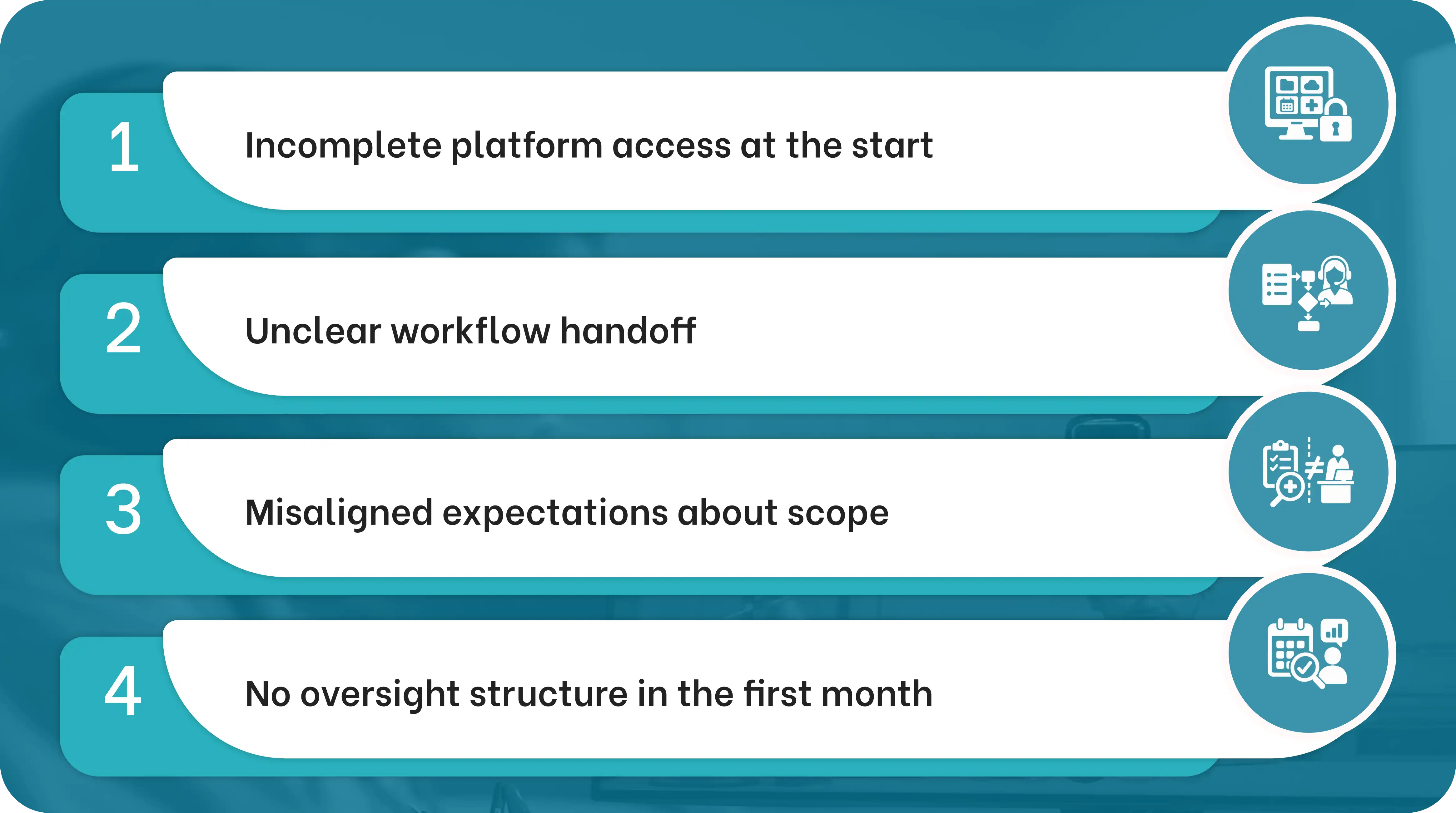
Reason #1: Incomplete platform access at the start
A virtual admin who cannot access all the systems they need on day one loses productive time and misses tasks. Confirming access to every required platform before the assistant starts is non-negotiable.
Reason #2: Unclear workflow handoff
If the virtual admin does not know your routing protocols, escalation paths, or scheduling rules in the first week, they default to guessing or interrupting clinical staff for guidance. The setup period exists to prevent this.
Reason #3: Misaligned expectations about scope
Virtual medical administration handles the digital and phone administrative layer. It does not replace in-person front desk functions or clinical support tasks. Practices that expect full front-desk replacement from a single remote admin encounter scope mismatches.
Reason #4: No oversight structure in the first month
The first four weeks require check-ins to confirm workflows are running correctly. Practices that hand off admin tasks and disappear without a feedback structure find problems later that could have been caught in week two.
A staffing partner with a structured onboarding process and a dedicated account manager mitigates all four. The first 30 days are managed, not left to the practice to figure out alone.
Which Roles Cover Virtual Medical Administration
Virtual medical administration is not a single role. Different administrative functions can be covered by different specialists depending on your practice's volume and complexity.

Medical Admin Virtual Assistant
Covers the broadest range of front-office and administrative functions, including scheduling, patient communication, EMR data entry, and administrative coordination. The foundational role for most practices. Read the Virtual Medical Administrative Assistant Guide for a full breakdown or view the Medical Admin Virtual Assistant page.
Virtual Medical Receptionist
Focused specifically on inbound call handling, appointment scheduling, and patient intake coordination. Best fit for practices where call volume is the primary bottleneck.
Virtual Patient Care Coordinator
Handles the care coordination layer: referral tracking, prior authorization, care transition documentation, and specialist communication. Appropriate for high-volume specialty practices or practices managing complex patient cases.
All three roles work inside your existing systems, follow your existing workflows, and integrate into your administrative team as full-time dedicated placements. Explore the full range of roles at Virtual Staffing page.
Book a consultation with MedVirtual to identify which virtual medical administration roles fit your practice's current administrative gaps and patient volume.
Your Guide To Common Questions & Solutions