Data Protection for Virtual Assistants

Patient data security for remote medical staff depends on what happens before, during, and after a virtual assistant has access to a system, not just whether a contract says "HIPAA compliant." Here is exactly what MedVirtual does at each stage.

Every MedVirtual virtual assistant completes HIPAA and PHI training before deployment, works under a signed NDA and BAA, is background-checked, and operates under role-based access controls, encrypted communication, and activity logging for the full duration of the placement.

Woman wearing a headset working on a laptop at a desk, surrounded by icons representing data security such as a shield with a lock, a locked document, cloud, folder, and group icons.

Trusted by 250+ Healthcare Practices Across the US

Wellness and pain caresurgery centerBautch QuiroDerrow Dermatology LogoInland Pain MedicineFlorida ConciergeMGMA LOGOKidney Care AssociatesDerrington-DermatologyATSU Logocspp-logo
wellness and paincaresurgery centerBautch QuiroDerrow Dermatology LogoInland Pain MedicineFlorida ConciergeMGMA LOGOKidney Care AssociatesDerrington-DermatologyATSU Logocspp-logo

Before Access: What Happens Before a Virtual Assistant Touches Your Systems

Nothing about patient data access happens on day one without preparation. Before a virtual assistant is matched to your practice, four things are already in place.

HIPAA and PHI training, completed before deployment

Every virtual assistant completes documented HIPAA and PHI handling training before being placed with a practice. This is not a one-time orientation video; it covers the specific handling requirements for protected health information in a US healthcare setting.

Signed NDA

A non-disclosure agreement is signed before any practice information, patient or otherwise, is shared with the virtual assistant.

Signed BAA before Day One

A Business Associate Agreement is in place before the virtual assistant's first day, not during onboarding or sometime in the first week. This creates the legal compliance relationship required before any PHI handling begins.

Background check

Every virtual assistant is background-checked prior to placement.

During Work: How Access Is Controlled Day to Day

Once a virtual assistant is working with your practice, data protection is not a one-time setup step. It is an ongoing set of controls.

Role-based access controls

A virtual assistant's system access is scoped to what their specific role requires, not broad access to your entire EMR or billing system.

Multi-factor authentication

Access to practice systems requires MFA, reducing the risk of unauthorized access even if a password is compromised.

Encrypted communication

Communication channels used to discuss patient information are encrypted, not handled over unsecured messaging apps or personal email.

Monitored workstations

Virtual assistants work on monitored workstations, giving the practice visibility into how and when patient data is being accessed.

Activity logging

Every action taken within practice systems is logged, creating an audit trail tied to a specific person rather than a shared or anonymous login.

The Incident-Response Protocol

MedVirtual maintains a documented incident-response protocol for handling security incidents involving virtual assistant access. If an incident occurs, it is managed against this documented process rather than an ad hoc response.

This page does not state specific breach-notification timelines, since those depend on the nature of an incident and applicable legal requirements. For details on MedVirtual's incident-response protocol, contact the compliance team directly.

What Your Practice Still Controls

Data protection is not something a practice hands over entirely to a staffing partner. Two things remain entirely in your practice's control.

EMR permissions

Your practice sets and can adjust the specific permissions a virtual assistant has within your EMR at any time.

Minimum-necessary access

Your practice determines what "minimum necessary" access looks like for each role you bring on, consistent with how you would scope access for any team member, in-house or remote.

Data Protection Controls at a Glance

Control
HIPAA and PHI Training
Signed NDA
Signed BAA
Background Check
Role-Based Access Controls
Multi-Factor Authentication
Encrypted Communication
Monitored Workstations
Activity Logging
Documented Incident-Response Protocol
EMR Permissions
Minimum-Necessary Access
What It Does
Ensures the virtual assistant understands PHI handling requirements before any access begins
Legally protects practice and patient information from disclosure
Establishes the legal compliance relationship required for PHI handling
Verifies the virtual assistant's background prior to placement
Limits system access to what the specific role requires
Reduces risk of unauthorized access to practice systems
Protects patient information shared in day-to-day communication
Gives the practice visibility into data access activity
Creates an auditable record tied to a specific individual
Defines how a security incident is handled
Practice-controlled access scope within the EMR
Practice-defined access boundaries per role
When It Applies
Before deployment
Before any information is shared
Before Day One
Before deployment
Throughout the placement
If an incident occurs
Set and adjustable by your practice at any time
Determined by your practice for each role
What It Does
Ensures the virtual assistant understands PHI handling requirements before any access begins
HIPAA and PHI Training
Legally protects practice and patient information from disclosure
Signed NDA
Establishes the legal compliance relationship required for PHI handling
Signed BAA
Verifies the virtual assistant's background prior to placement
Background Check
Limits system access to what the specific role requires
Role-Based Access Controls
Reduces risk of unauthorized access to practice systems
Multi-Factor Authentication
Protects patient information shared in day-to-day communication
Encrypted Communication
Gives the practice visibility into data access activity
Monitored Workstations
Creates an auditable record tied to a specific individual
Activity Logging
Defines how a security incident is handled
Documented Incident-Response Protocol
Practice-controlled access scope within the EMR
EMR Permissions
Practice-defined access boundaries per role
Minimum-Necessary Access
When It Applies
Before deployment
HIPAA and PHI Training
Before any information is shared
Signed NDA
Before Day One
Signed BAA
Before deployment
Background Check
Throughout the placement
Role-Based Access Controls
Throughout the placement
Multi-Factor Authentication
Throughout the placement
Encrypted Communication
Throughout the placement
Monitored Workstations
Throughout the placement
Activity Logging
If an incident occurs
Documented Incident-Response Protocol
Set and adjustable by your practice at any time
EMR Permissions
Determined by your practice for each role
Minimum-Necessary Access

Frequently Asked Questions

What is patient data security for a remote virtual assistant?
Is HIPAA data protection for virtual assistants different from in-house staff?
What happens if a virtual assistant leaves access to a system open or shares information incorrectly?
Does my practice lose control over who can see patient data?
Is HIPAA compliant outsourcing possible for a small practice?

See the Full Picture

For what HIPAA itself requires of a medical practice, see HIPAA Compliance. For the specific questions to ask any vendor before outsourcing, see our HIPAA compliance checklist blog.

Talk to our team to see how these safeguards apply to your specific EMR and workflow.
Get Started
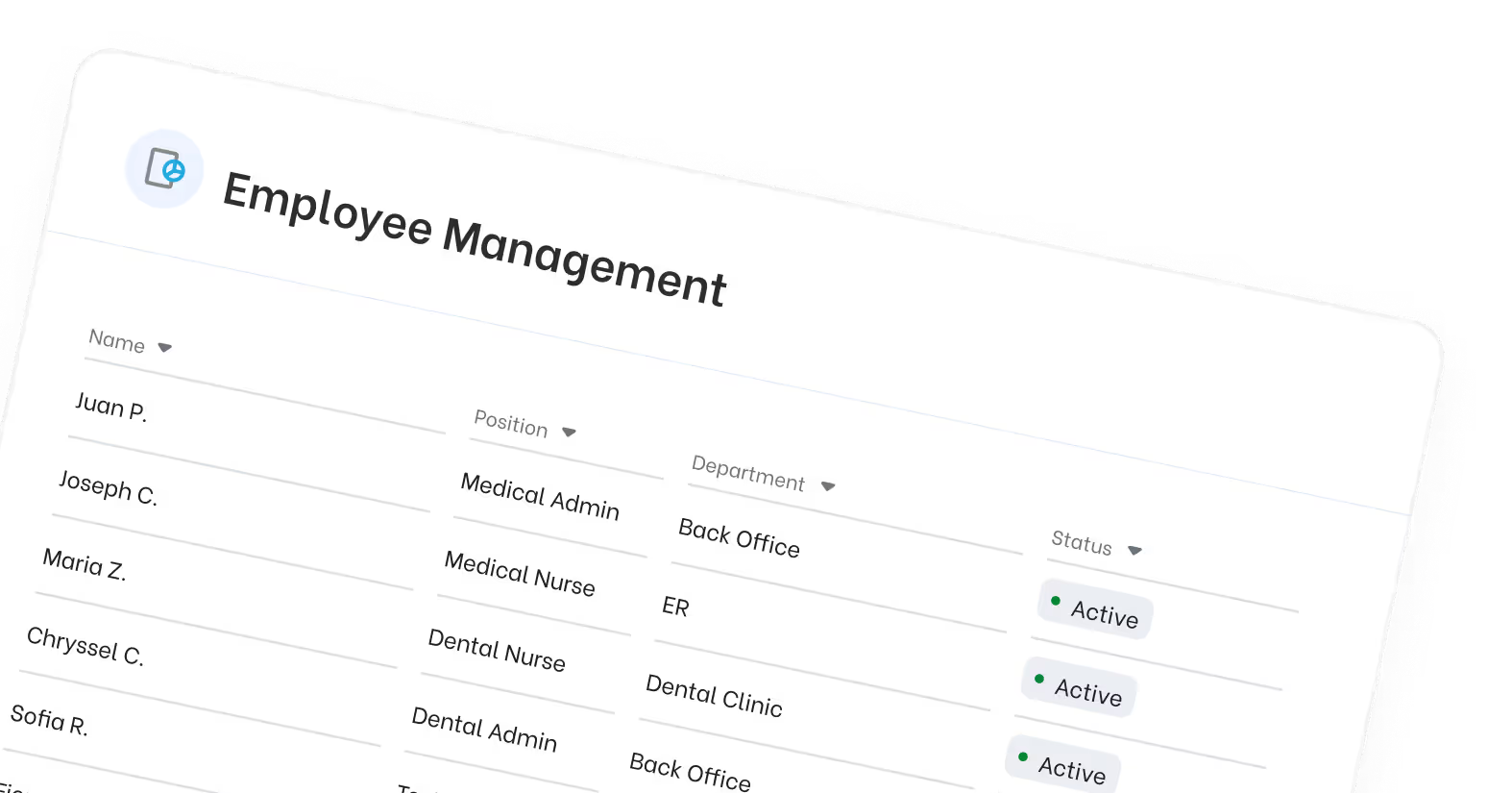
Employee Management table listing names, positions, departments, and active status indicators.
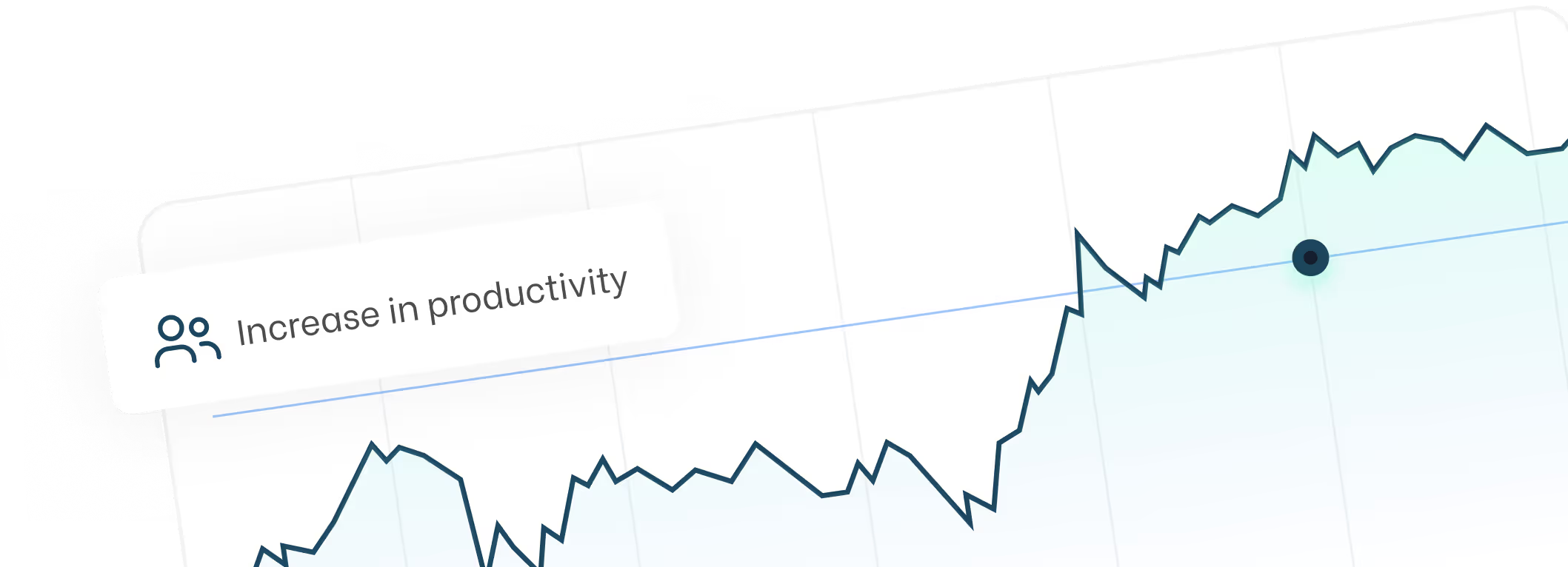
Graph line chart showing an increasing trend labeled 'Increase in productivity' with a data highlight point on the rising curve.
This page is provided for general informational purposes and is not legal advice. Consult your own legal counsel for guidance specific to your practice's compliance obligations.